
Compass Qibla
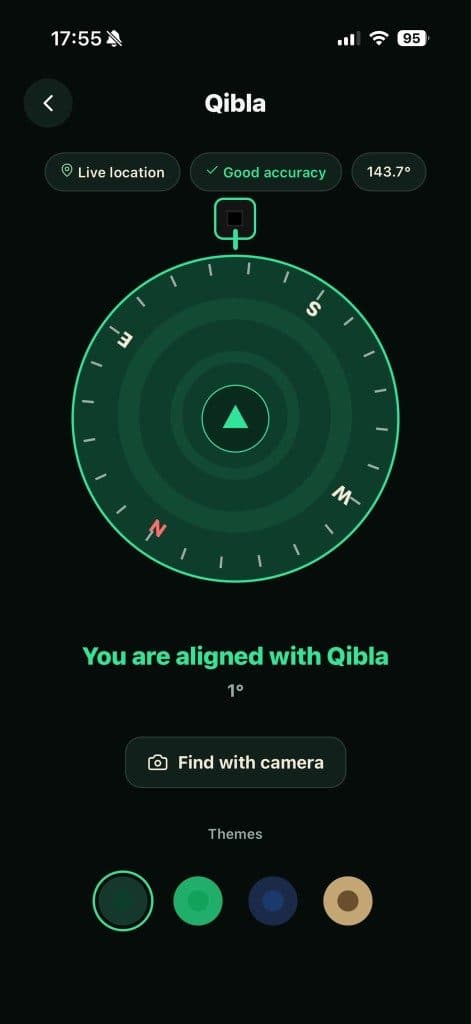
Phone magnetometer for live bearing. Calibrate, then follow the arrow to the Kaaba.
Qibla
Face the Kaaba with confidence. Compass or live camera — direction from your exact spot, not a guess.



Phone magnetometer for live bearing. Calibrate, then follow the arrow to the Kaaba.
Qibla line over the live view — handy in a new room or while traveling.
Open Qibla when Adhan hits; times and reminders live in the same free app.
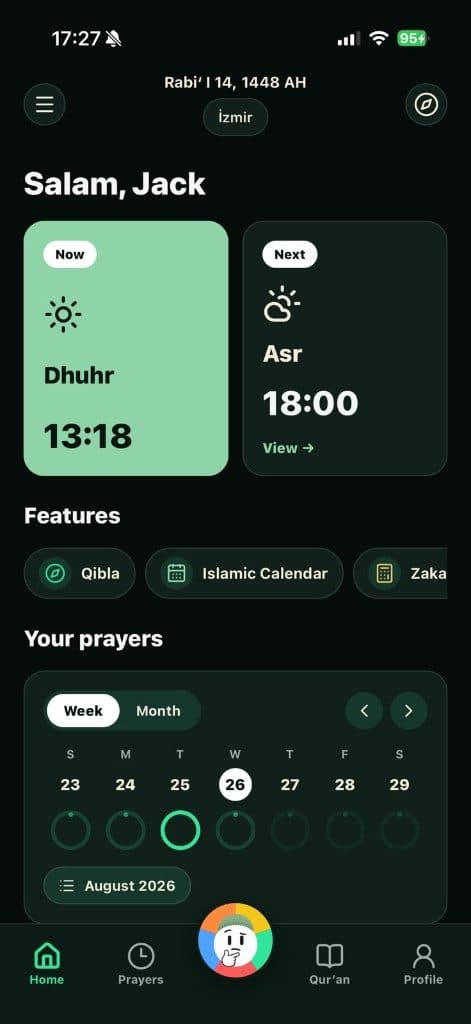
Allow location (needed for the bearing).
Pick compass or camera mode.
Hold the phone flat until the arrow or line points to the Kaaba.
Pray facing that direction.
The compass uses the device sensor. Location is usually needed once; after that it often works without data.
Mosques use a fixed mark. The app computes azimuth from your GPS to the Kaaba. Small gaps can come from magnetic noise.
It depends on your coordinates. The app shows the precise angle for your spot.
Free app
Namaz Buddy: Qibla, prayer times, Islamic quiz, and more — free on the App Store and Google Play.