
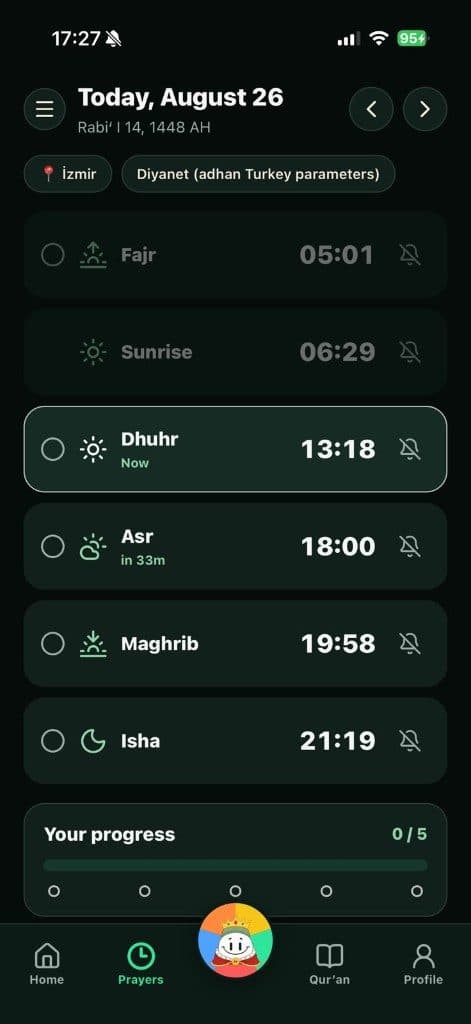
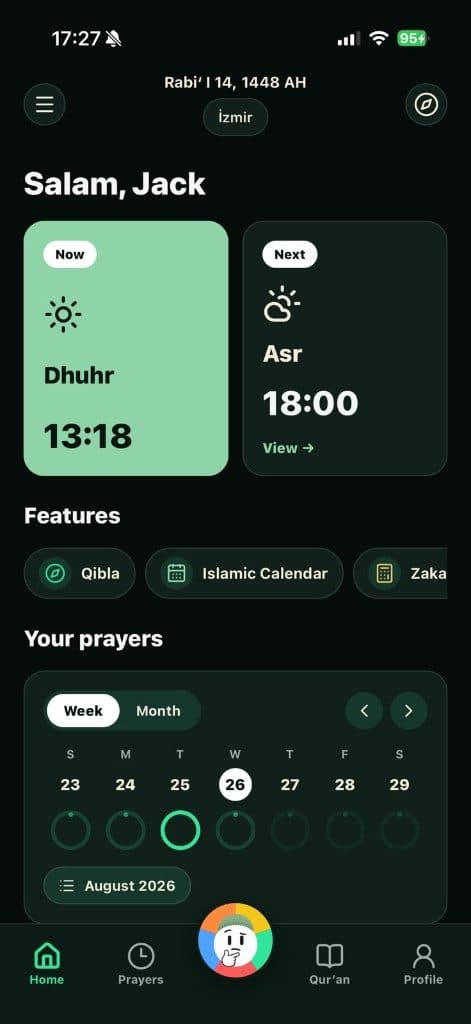
Next prayer
Time left and prayer name at a glance.
Widgets
Skip opening the app every time — next prayer, tasbih, daily dua, or Hijri date via widgets.



Time left and prayer name at a glance.
Dhikr counter and a daily dua card on the home screen.
Keep today’s Hijri date as a widget.
Update Namaz Buddy.
On iOS, add from the widget gallery.
Pick size and type (prayer, tasbih, dua, Hijri).
Arrange on your home screen.
iOS widgets are first; Android support may vary — check store notes.
The app syncs widget data in the background; prayer times depend on your location.
Widgets stay light. Location permission is needed for the prayer widget.
Free
Download Namaz Buddy and put prayer and dhikr on your home screen.